 d70ab2607e
This PR is my attempt to add support for user callbacks in the emulator.
User callbacks allow the emulator to call guest callbacks from syscalls,
and when the callback finishes running, control returns to the syscall
through the completion method. I've also added a test and implemented
the NtUserEnumDisplayMonitors syscall.

One thing to note is that this implementation isn't faithful to how the
Windows kernel does it, since the kernel uses the KernelCallbackTable
and the `ntdll!KiUserCallbackDispatch` method, and this implementation
currently just calls the callback directly.



Sogen is a high-performance Windows user space emulator that operates at syscall level, providing full control over process execution through comprehensive hooking capabilities.
Perfect for security research, malware analysis, and DRM research where fine-grained control over process execution is required.
Built in C++ and powered by the Unicorn Engine or the icicle-emu.
Try it out: sogen.dev
Warning
Caution is advised when analyzing malware in Sogen, as host isolation might not be perfect.
To mitigate potential risk, use the web version to benefit from the additional safety provided by your browser's sandbox.
Key Features
- 🔄 Syscall-Level Emulation
- Instead of reimplementing Windows APIs, the emulator operates at the syscall level, allowing it to leverage existing system DLLs
- 📝 Advanced Memory Management
- Supports Windows-specific memory types including reserved, committed, built on top of Unicorn's memory management
- 📦 Complete PE Loading
- Handles executable and DLL loading with proper memory mapping, relocations, and TLS
- ⚡ Exception Handling
- Implements Windows structured exception handling (SEH) with proper exception dispatcher and unwinding support
- 🧵 Threading Support
- Provides a scheduled (round-robin) threading model
- 💾 State Management
- Supports both full state serialization and
fast in-memory snapshots(currently broken 😕)
- Supports both full state serialization and
- 💻 Debugging Interface
- Implements GDB serial protocol for integration with common debugging tools (IDA Pro, GDB, LLDB, VS Code, ...)
Preview

YouTube Overview
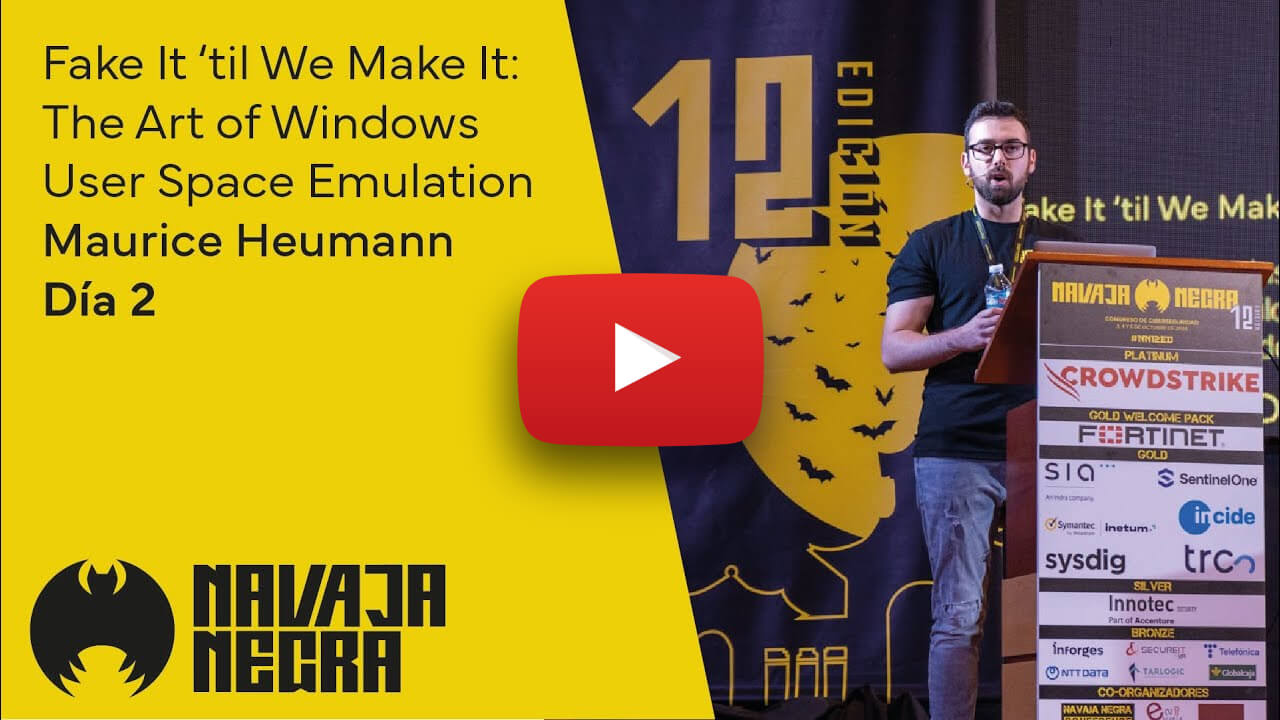
Click here for the slides.
Quick Start (Windows + Visual Studio)
Tip
Checkout the Wiki for more details on how to build & run the emulator on Windows, Linux, macOS, ...
1. Checkout the code:
git clone --recurse-submodules https://github.com/momo5502/sogen.git
2. Run the following command in an x64 Development Command Prompt in the cloned directory:
cmake --preset=vs2022
3. Build the solution that was generated at build/vs2022/emulator.sln
4. Create a registry dump by running the grab-registry.bat as administrator and place it in the artifacts folder next to the analyzer.exe
5. Run the program of your choice:
analyzer.exe C:\example.exe