 8053889d20
the idea is to allow as much internal information into inner components.
to not burden all builds, the reflection level can be controlled
via the MOMO_REFLECTION_LEVEL (where 0 means no reflection code is
included).

more reflection variables will be introduced as needed.

for now, the memory manager's layout version is used to track whether
the memory layout is changed or not (at the lowest level).
the API consumer can use this to decide to refresh or not expensive
computations

Windows User Space Emulator


A high-performance Windows process emulator that operates at syscall level, providing full control over process execution through comprehensive hooking capabilities.
Perfect for security research, malware analysis, and DRM research where fine-grained control over process execution is required.
Built in C++ and powered by the Unicorn Engine.
Key Features
- 🔄 Syscall-Level Emulation
- Instead of reimplementing Windows APIs, the emulator operates at the syscall level, allowing it to leverage existing system DLLs
- 📝 Advanced Memory Management
- Supports Windows-specific memory types including reserved, committed, built on top of Unicorn's memory management
- 📦 Complete PE Loading
- Handles executable and DLL loading with proper memory mapping, relocations, and TLS
- ⚡ Exception Handling
- Implements Windows structured exception handling (SEH) with proper exception dispatcher and unwinding support
- 🧵 Threading Support
- Provides a scheduled (round-robin) threading model
- 💾 State Management
- Supports both full state serialization and fast in-memory snapshots
- 💻 Debugging Interface
- Implements GDB serial protocol for integration with common debugging tools (IDA Pro, GDB, LLDB, VS Code, ...)
Note
The project is still in a very early, prototypy state. The code still needs a lot of cleanup and many features and syscalls need to be implemented. However, constant progress is being made :)
Preview

YouTube Overview
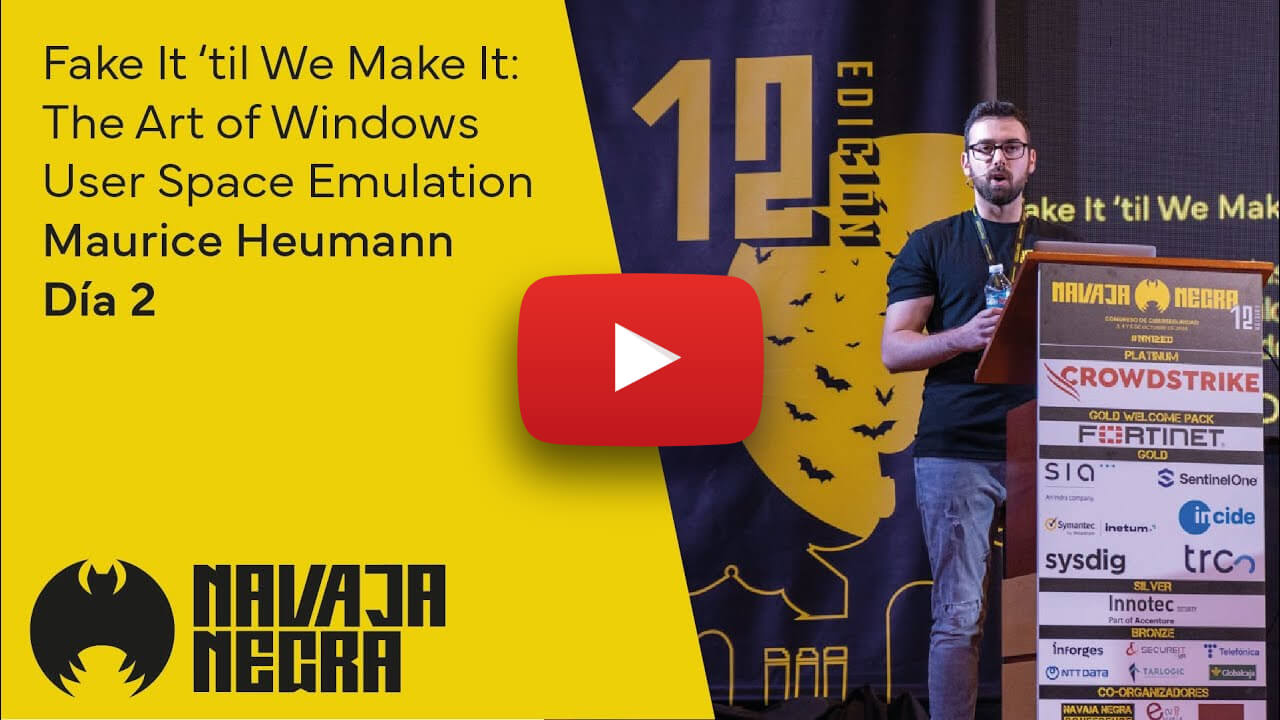
Click here for the slides.
Build Instructions
Prerequisites
- Windows 64-bit (click here for cross-platform status)
- CMake
- Git
Getting Started
Clone the repository with submodules:
git clone https://github.com/momo5502/emulator.git
cd emulator
git submodule update --init --recursive
Run the following commands in an x64 Development Command Prompt
Visual Studio 2022
cmake --preset=vs2022
Solution will be generated at build/vs2022/emulator.sln
Ninja
Debug build:
cmake --workflow --preset=debug
Release build:
cmake --workflow --preset=release
Dumping the Registry
The emulator needs a registry dump to run, otherwise it will print Bad hive file errors.
You can create one by running the src/tools/grab-registry.bat script as administrator.
This will create a registry folder that needs to be placed in the working directory of the emulator.
Running Tests
The project uses CTest for testing. Choose your preferred method:
Visual Studio:
- Build the
RUN_TESTStarget
Ninja:
cd build/release  # or build/debug
ctest